If you are seeing a 400 error on your website, there is something important you need to understand as soon as possible: your website is not down, but there is a request that the server is blocking.
And if you do not know exactly what is failing, you can lose hours trying things without solving it.
This type of error is more common than it seems and, above all, more dangerous than it appears. It does not break the website, but it does break what matters: forms, access and key actions.
What a 400 error is and what is really happening
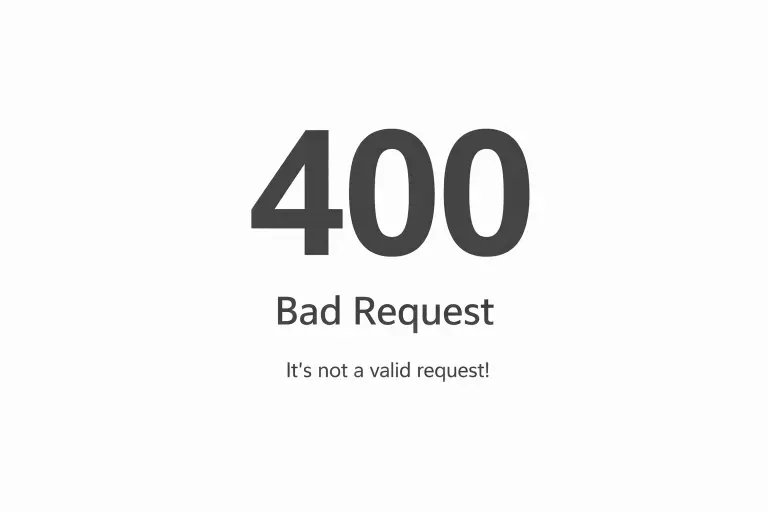
The HTTP 400 error (Bad Request) appears when the server receives a request that it cannot interpret correctly. It is not an internal failure like a 500 error, it is a rejection.
The website responds, but it does not process the action.
That means that something in the communication between the user and the server is not properly built.
Why typical solutions do not usually work
Many guides, like the one from SiteGround, recommend clearing cache, deleting cookies or trying another browser. These are useful steps, but very superficial.
They work when the problem is temporary, but in most real projects the 400 error does not appear by chance. It is usually a sign that something in the structure is poorly set up.
Where the real problem usually is
In practice, this error usually comes from several very clear points.
One of the most common is the URL. It may look correct, but contain duplicated parameters, poorly encoded characters or badly constructed redirects. This is very common in campaigns, automations or links generated with external tools.
Another critical point is cookies and the data sent by the browser. If they are corrupted or too large, the server rejects them. That is why this error appears so often in logins, carts or webmail access.
You also need to check forms. Poorly validated data, overly heavy submissions or poorly implemented integrations can trigger a 400 error right when the user tries to contact or buy.
And finally, the server itself. Security systems, firewalls or poorly configured rules can block requests they consider suspicious. The website loads, but certain actions stop working.
The typical case: it appears after a migration
One of the most common scenarios is after migrating a website. Everything seems correct, but specific actions start to fail.
It is not that something is broken, it is that something has stopped fitting: old cookies, paths that change or configurations that have not been properly adjusted.
If something like this has happened to you, it makes sense to review that process carefully, but also to understand that not all errors behave the same way. For example, it has nothing to do with an internal server failure as we explain in this article about what a 500 error means and how to solve it.
How to know what is failing without wasting time
This is where clarity is gained. Testing in incognito mode helps rule out session problems. Changing device allows you to know if the failure is local or general. Observing when the error occurs also gives key clues.
But there is one point that makes the difference: checking the server logs. There you see exactly what is happening.
If you want to better understand how these codes work at a technical level, you can consult the official documentation from Mozilla Developer Network, where it is explained how the server interprets this type of requests.
Why this error directly affects your business
The 400 error does not appear when loading any page. It appears when the user tries to do something important.
Contact, buy or access.
And at that moment, the website responds that it does not understand the request.
The user does not investigate the error. They leave.
And that opportunity is lost.
The difference is not in the design, it is in the base
A website can look good, load fast and rank on Google, but if it fails at this point, it is losing opportunities.
Because it is not a visual problem, it is an internal communication problem.
How URLs are generated, how data is validated and how the server responds.
What to do to avoid 400 errors structurally
Avoiding this type of errors is not about quick solutions, it is about technical base. Controlling how URLs are generated, reviewing forms and integrations, avoiding unnecessary dependencies and properly adjusting security rules are key.
And above all, working on a stable infrastructure.
When you understand this, the approach changes
The 400 error is not the problem.
It is the signal.
A signal that something is not properly built or properly connected.
And that is where everything changes.
At JC Hosting this type of errors is not treated as isolated incidents, but as failures in the communication between the user and the server.
That implies analysing, understanding and adjusting.
Because when a website blocks actions, it does not need random solutions.
It needs diagnosis.